


F4 Picture Thread


Member
Joined: Dec 2008
Posts: 54
Likes: 0
From: Southern NH
 RE: F4 Picture Thread
Hm... I see. The 'image' button does not show up on my Mac using Safari. But it does show up in Windows on Firefox.
I went to flickr and got my image on the screen and went to the "2. Grab the photo's URL:" (near the bottom of the screen) and used that URL. The URL that shows up in the browser URL window resulted in a broken image icon.


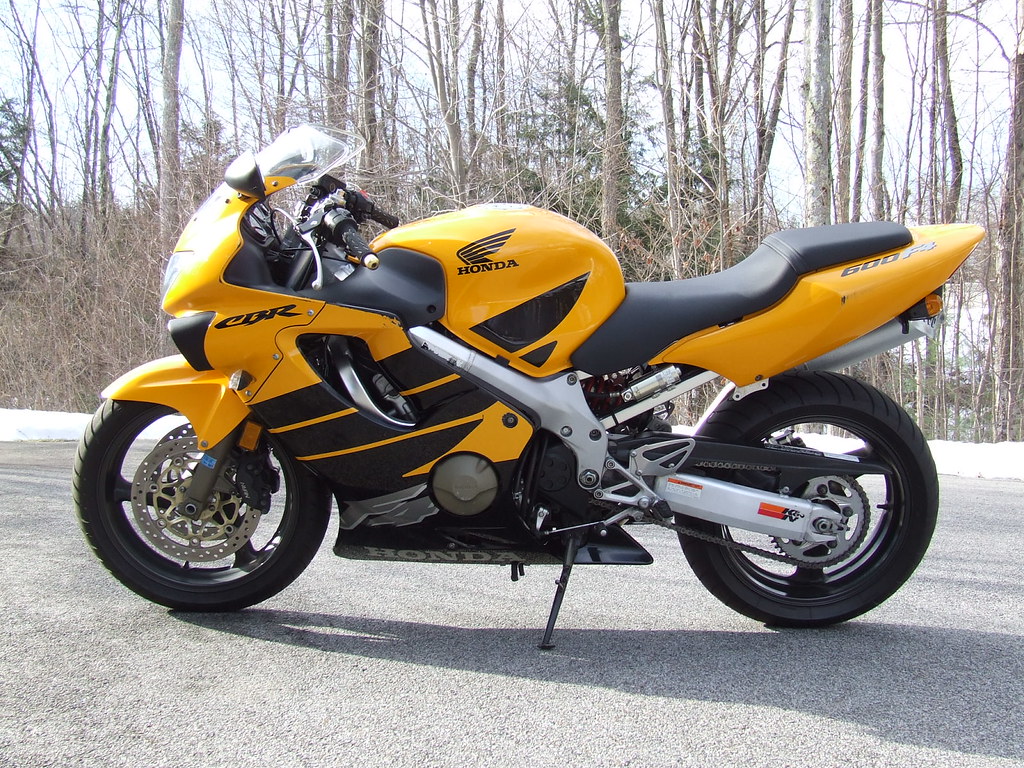

I went to flickr and got my image on the screen and went to the "2. Grab the photo's URL:" (near the bottom of the screen) and used that URL. The URL that shows up in the browser URL window resulted in a broken image icon.

Senior Member
Joined: Dec 2008
Posts: 146
Likes: 0
From: Indiana
RE: F4 Picture Thread
ORIGINAL: RVAcbr600
 press this button and then put the photobucket(or some otherphotostoring website)web address for the picture in it...and voila!
press this button and then put the photobucket(or some otherphotostoring website)web address for the picture in it...and voila!

Joined: Oct 2008
Posts: 285
Likes: 0
From: Richmond, Va
RE: F4 Picture Thread
ORIGINAL: CB750
I got that, I mean when viewing the thread I have to click a link that opens a pop-up box, and then click another link to see the picture. Does it do that for everybody, or just until you have x number of posts?
ORIGINAL: RVAcbr600
press this button and then put the photobucket(or some otherphotostoring website)web address for the picture in it...and voila!
press this button and then put the photobucket(or some otherphotostoring website)web address for the picture in it...and voila!
Member
Joined: Dec 2008
Posts: 54
Likes: 0
From: Southern NH
RE: F4 Picture Thread
You should see the picture and not have to click on a link to get a pop-up.
Also, if you click the "Preview" button, you should see the picture. That picture icon
only shows up on my Windows XP running PC and not Mac OSX.
The picture has to be "hosted" somewhere (like flickr) and you have to paste the link
when asked in a dialog box.
Click on the picture icon and it will put a dialog box that contains just "http://" and that's
where you paste the link. I just did one the link ends with name of the picture file (for
me, it's this: http://farm4.static.flickr.com/3267/...7039a90d01.jpg and the
picture automatically comes up.
Hope this helps.

Dennis
Also, if you click the "Preview" button, you should see the picture. That picture icon
only shows up on my Windows XP running PC and not Mac OSX.
The picture has to be "hosted" somewhere (like flickr) and you have to paste the link
when asked in a dialog box.
Click on the picture icon and it will put a dialog box that contains just "http://" and that's
where you paste the link. I just did one the link ends with name of the picture file (for
me, it's this: http://farm4.static.flickr.com/3267/...7039a90d01.jpg and the
picture automatically comes up.
Hope this helps.
Dennis


